
If you are running local LLMs, you know that VRAM is the only currency that matters. Whether you’re on an RTX 3090 or the newer RTX 5090, the goal is always to fit the largest, smartest model possible into your available memory. But as we’ve found in our own work with a 32GB RTX 5090, pushing that limit doesn’t just slow things down–it can freeze your entire desktop.
The Mechanism of the “Memory Freeze”
When you see your input lag or your whole system hang during a heavy inference run, it is rarely a host RAM issue. Instead, it’s usually the NVIDIA driver spilling VRAM into system RAM over PCIe. On Windows, when a CUDA allocation exceeds available VRAM, the driver defaults to using system memory as a backup.
This “spill” creates a massive performance cliff. We encountered this specifically when running heavy pipelines where Ollama held a resident model (like qwen3.6 at 23GB) while other processes like SDXL or Wan were attempting to lazy-load. When VRAM hit roughly 95% capacity–about 30,989 MiB on our 32GB card–the resulting pressure wedged the system.
We’ve discussed this “currency” struggle before in The VRAM Currency Problem, but the stability angle is different: it’s about preventing the driver from triggering that system memory swap.
Budgeting for Stability
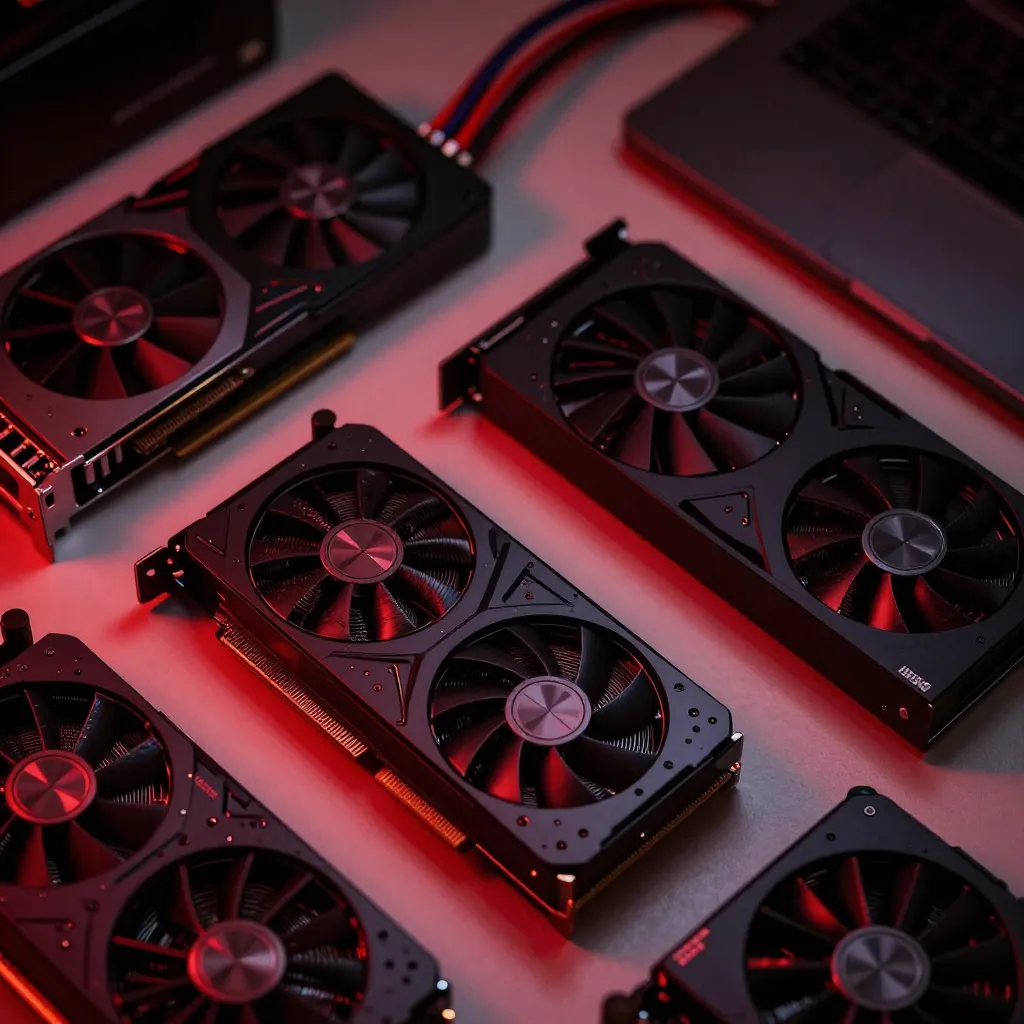
To stop the freezes, we shifted our priority from “max speed” to “absolute stability.” We adopted a build-budget-first approach where stability and capability (model size and context window) are the primary targets, and token speed is treated as an expendable resource.
Hardening the Host
The first step in our stability runbook was moving non-essential GPU tasks off the card entirely. For example, we found that CrossEncoder calls in sentence-transformers default to CUDA. By explicitly moving the reranker to the CPU via a rag_rerank_device setting, we freed up critical headroom without a noticeable impact on overall pipeline latency.
Managing Context and KV Cache
Context windows are VRAM killers. We noted that ollama_num_ctx defaults to 8192 because it saves roughly 15GB of VRAM compared to a 65K context window. When budgeting, you have to treat the KV cache as a fixed cost that scales with your sequence length.
Advanced VRAM Recovery Techniques

If you’ve hit the ceiling of a single GPU, there are few ways to actually “expand” memory without adding hardware.
Dynamic Quantization For those running Mixture-of-Experts models, Dynamic Expert Quantization offers a way to break the assumption that all expert weights must live in VRAM simultaneously. By assigning precision based on how often an expert is selected, it’s possible to cut effective VRAM usage by 30-50% without retraining.
The Multi-GPU Trap A common question we’ve faced is whether pairing an RTX 5090 with an AMD GPU can pool VRAM. The answer is no. Tools like Ollama pick one compute backend per model load–either CUDA or ROCm–meaning a single model cannot be split across different vendors.
If you do add a second NVIDIA card, remember that layer-splitting is for expansion, not speed. When Ollama splits a model, requests flow sequentially from card A to card B with PCIe overhead. You get a bigger model or longer context, but you don’t double your tokens per second.
Monitoring and Collision Avoidance
You cannot budget what you cannot see. We previously dealt with “GPU metrics STALE” alarms where our monitoring containers couldn’t reach the NVIDIA driver on Windows Docker Desktop, as detailed in Fighting VRAM collisions and API drift.
To prevent collisions, we implemented a pre-load guard. This ensures that if a resident model is already occupying the bulk of the 32GB threshold–a jump from 24GB that redefines local development–the system won’t attempt to load another heavy model and trigger a WDDM system memory spill.
Stability on a single GPU comes down to strict orchestration. By moving rerankers to the CPU, capping context windows, and implementing fit guards, you can run mid-sized models without risking a full system lockup.