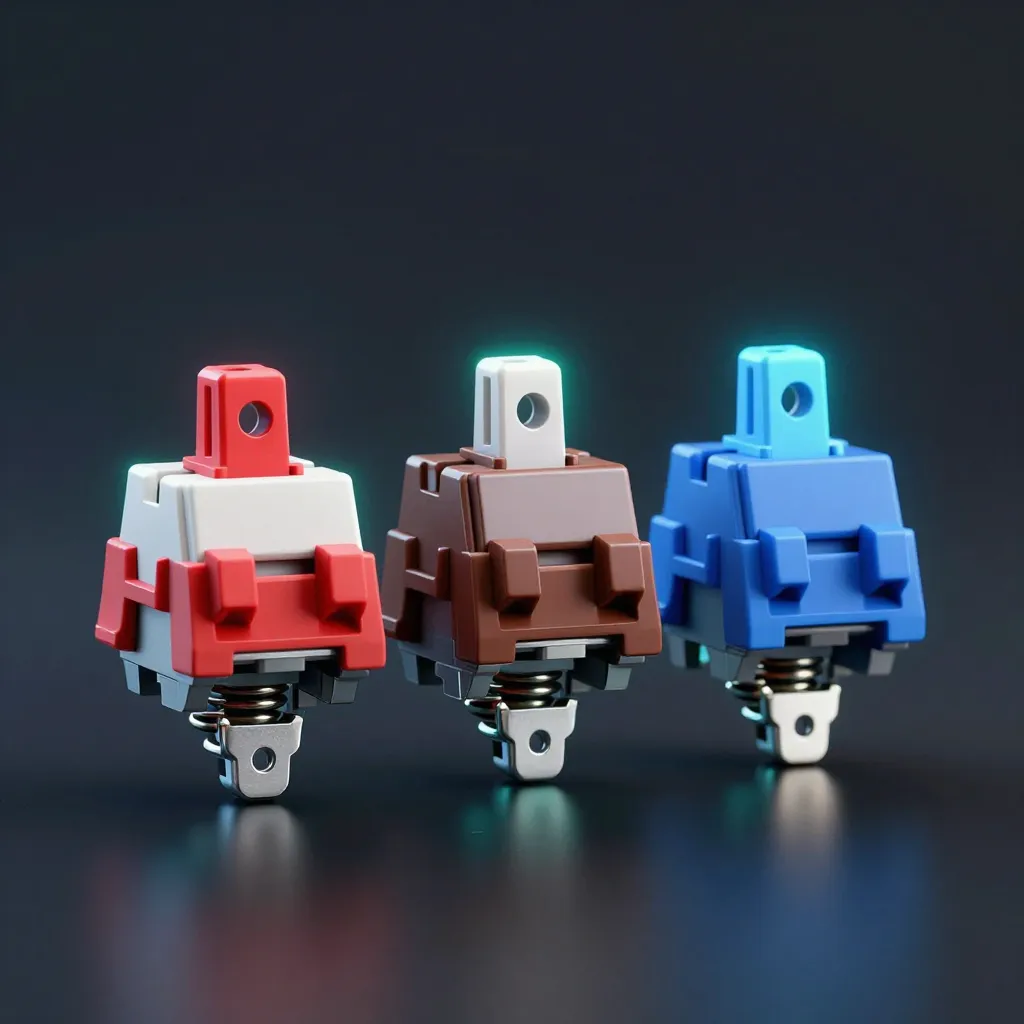
If you have spent any time around a developer’s desk, you know the sounds. Sometimes it is a muted, rhythmic thumping; other times, it is a sharp, metallic clatter that can be heard from three cubicles away.
At Glad Labs, we treat our hardware as an extension of our workflow. Whether you are tuning a RAG pipeline or grinding through a gaming session, the physical interface matters. The difference in feel and sound comes down to the switch under the keycap.
According to Keychron, there are three main categories of mechanical switches: linear, tactile, and clicky. Choosing the right one changes your typing comfort and gaming performance.
Linear Switches: The Speedsters

Linear switches are characterized by a smooth, consistent keystroke from top to bottom. There is no bump or resistance halfway through the press. Keychron describes them as smooth and quiet, making them ideal for quick movements.
For gaming, linears are often the gold standard. Because there is no tactile break, you can actuate the key faster and spam inputs with less fatigue. If your goal is raw speed in a competitive shooter or an MMO, this is the path to take. They are also generally quieter than their counterparts, which is helpful if you share a workspace.
Tactile Switches: The Programmer’s Balance
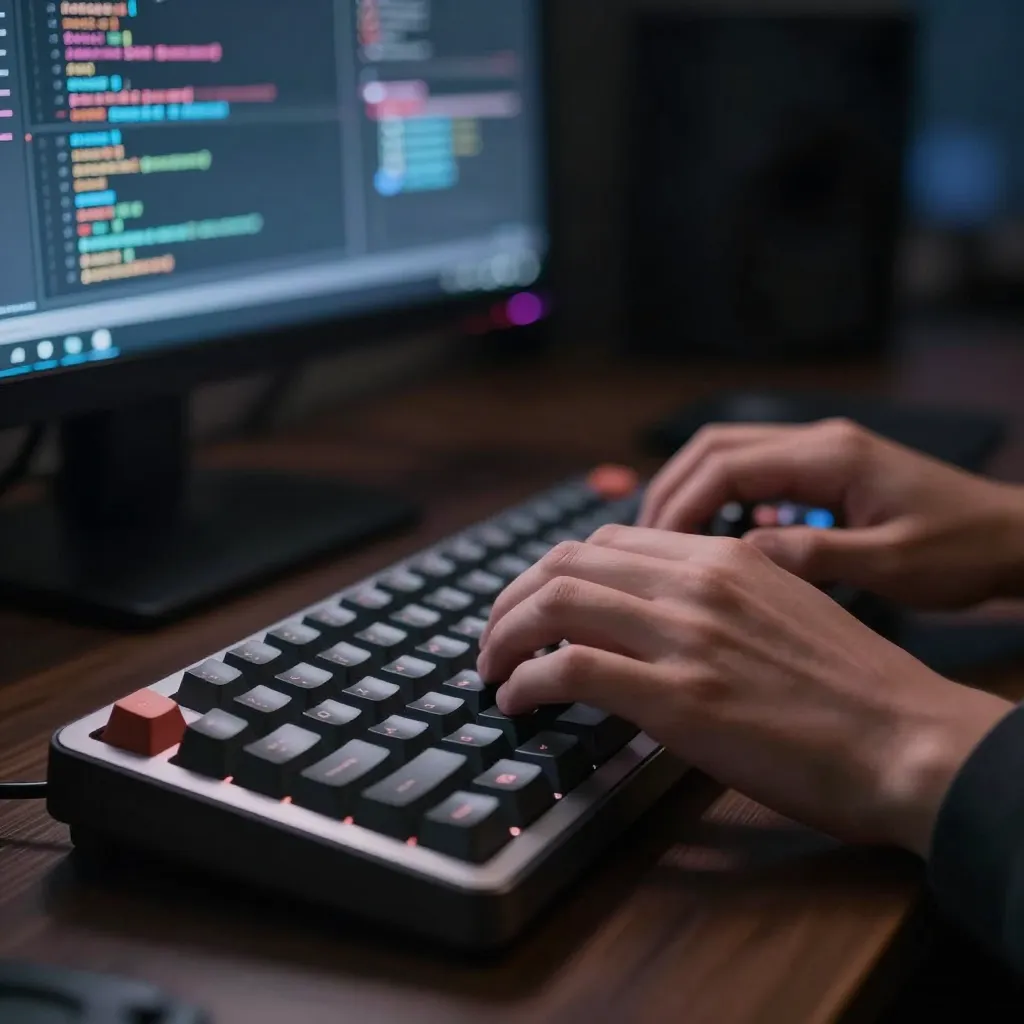
Tactile switches introduce a slight “bump” at the actuation point. This provides physical feedback that the key has actually registered.
This feedback is invaluable for programming. When you are typing thousands of lines of code, knowing exactly when a character has been entered reduces typos and allows you to develop a more rhythmic typing cadence. You get the confirmation of a press without the loud noise associated with clicky switches. It is the middle ground for those who want precision without disturbing everyone in the room.
Clicky Switches: The Auditory Experience
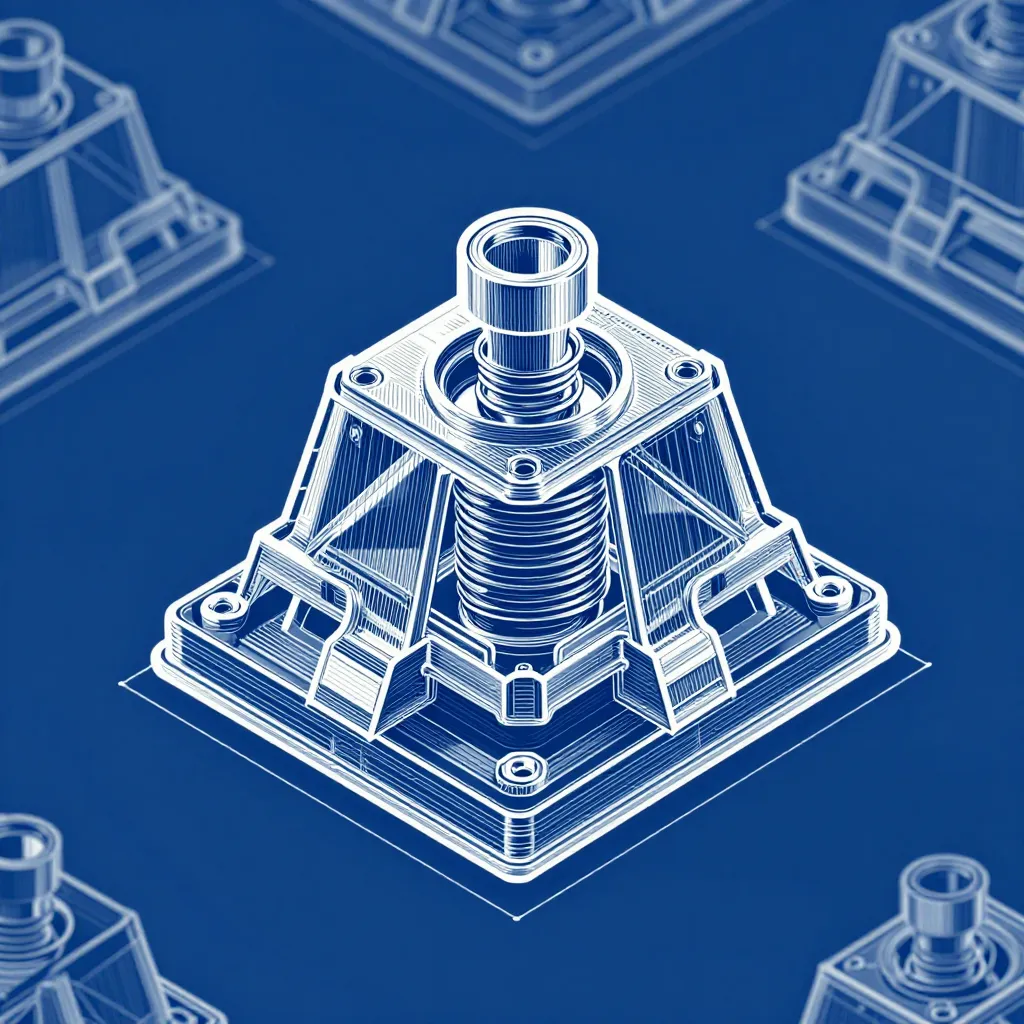
Clicky switches are essentially tactile switches with an added auditory component. They provide both the physical bump and a satisfying “click” sound upon actuation (Keychron).
These are for people who love the sensory experience of typing. The audible click provides a level of certainty that neither linear nor tactile switches can match. However, be warned: they are the loudest option available. While they feel great for focused writing or coding in a private office, they are rarely welcome in an open-plan environment or during a voice-chat session with teammates.
Which One Should You Choose?
The choice depends on what you prioritize during your peak hours of productivity and play.
If you spend most of your time in high-intensity gaming where milliseconds matter, go linear. If you are building software and want a balance of accuracy and noise control, tactile is the professional choice. If you crave a mechanical, typewriter-like experience and don’t mind the noise, clicky switches are the way to go.
Your keyboard is the primary tool you use to interact with your code and your games. Moving away from a generic membrane keyboard to a specific mechanical switch can eliminate digital exhaustion and make the act of creating software feel less like work and more like a craft.